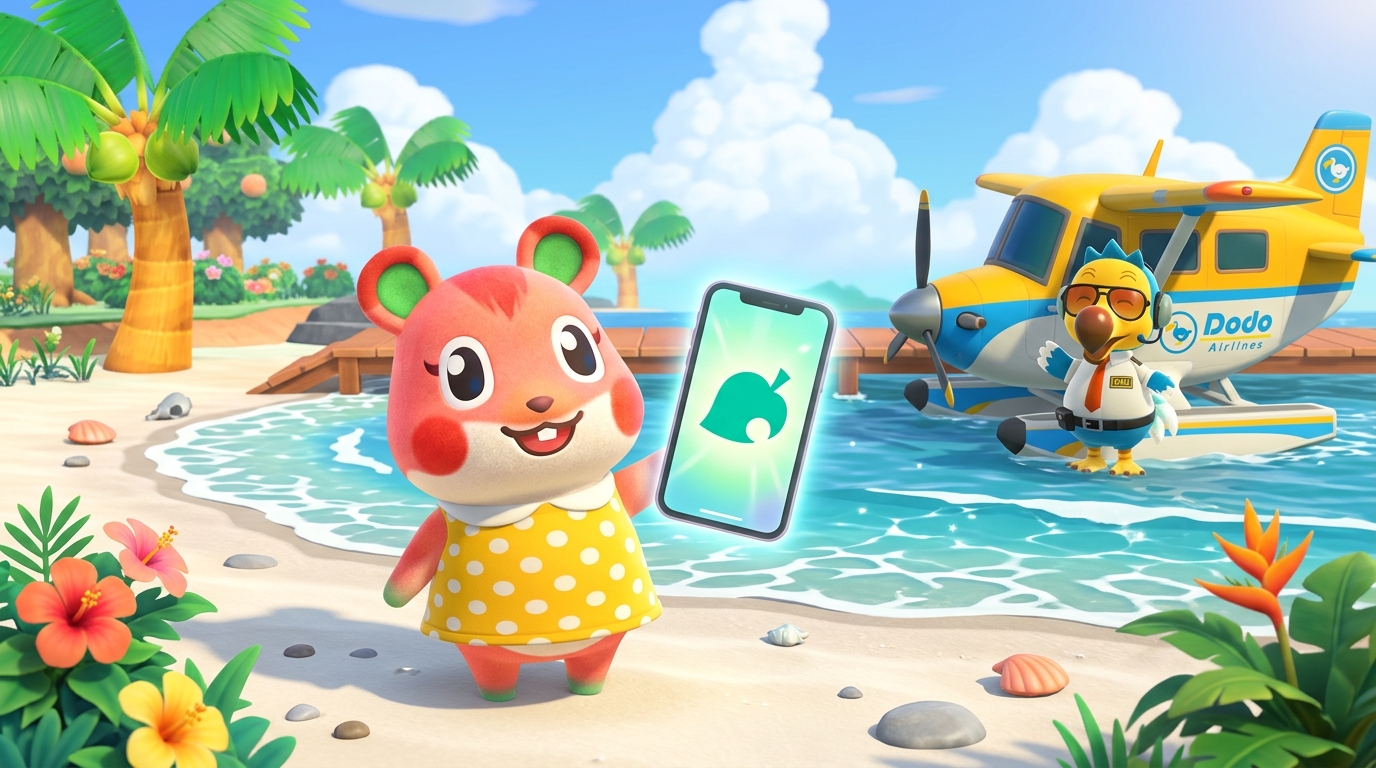
Attention islanders, treasure hunters, and bot hosts! The GenACNH Engineering Team is thrilled to announce the official release of the GenACNH Progressive Web App (PWA) — a fully-featured, installable mobile and desktop application that brings the entire GenACNH ecosystem directly to your home screen!
Zero App Store Hassle • 100% Native Island Performance
No downloads from external app stores, zero sideloading, and no lengthy verification queues. With modern Progressive Web App architecture, you can install GenACNH directly to your iPhone, iPad, Android phone, or Windows / Mac desktop in under 3 seconds!
🌟 What's Packed Inside the GenACNH Web App?
We built GenACNH as a true Animal Crossing-inspired operating system that pairs state-of-the-art web performance with authentic in-game charm:
Runs borderless in true fullscreen without browser address bars, offering a polished, native app experience on all modern devices.
Get instant background notifications when your 40-item OrderBot delivery queue advances or when fresh Dodo codes go live.
Integrated Web Audio API synthesizers playing iconic Animal Crossing pentatonic arpeggios, Nook Miles sparkle stamps, and Dodo gate chimes with zero lag.
Service worker caching keeps your core tools accessible even without Wi-Fi, showing a themed radio fallback that auto-reconnects as soon as signal returns.
📲 How to Install GenACNH to Your Device
Installation takes just a few seconds and works across all major mobile and desktop platforms:
Apple iPhone & iPad (iOS Safari)
- Visit genacnh.com/nookphone.php in Safari.
- Tap the Share button at the bottom of the screen.
- Scroll down and tap Add to Home Screen.
- Tap Add in the top-right corner to launch GenACNH like a native app!
Android (Google Chrome & Edge)
- Visit genacnh.com/nookphone.php in Chrome.
- Tap the Install App tile in the home grid or tap the three dots menu.
- Select Install GenACNH and confirm!
Desktop (PC, Mac, Chrome, Edge)
- Click the Install icon in your browser URL bar or click Install App in our top capsule navigation bar.
- Launch GenACNH in its own distraction-free window with native taskbar integration!
Published by the GenACNH Engineering Team. We are committed to making your Animal Crossing delivery and island experience faster, sleeker, and more accessible every single day. See you on the skies!